

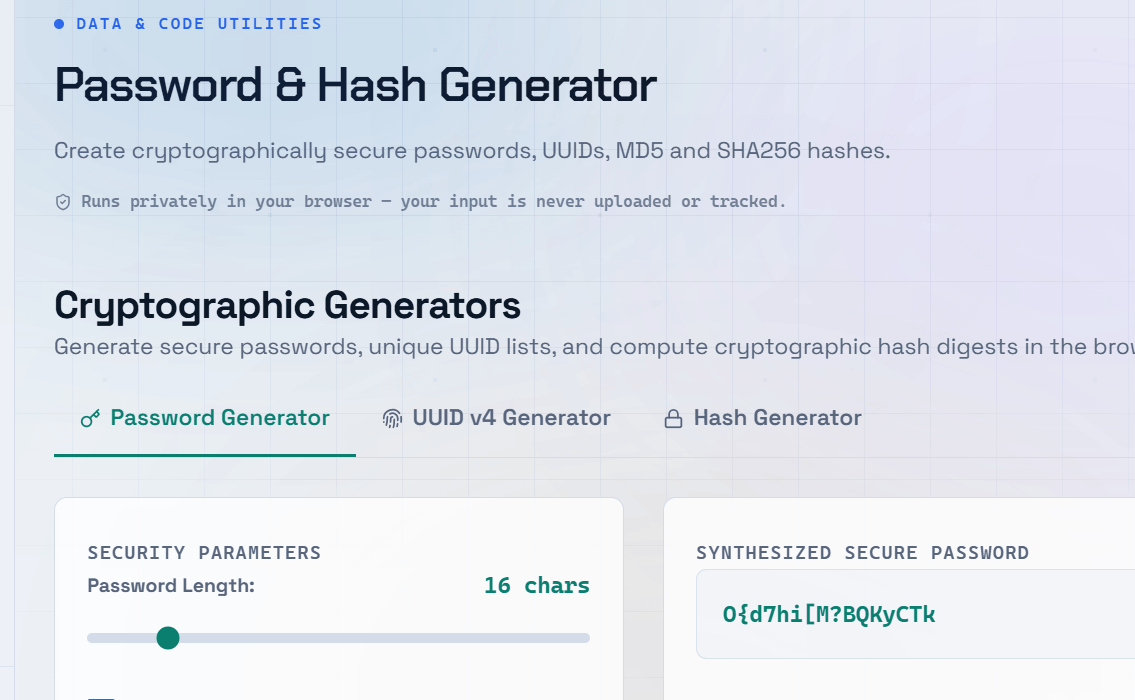
Storing passwords in plain text is one of the most dangerous mistakes a developer can make. Password hashing is the solution — but not all hashing algorithms are equally secure. Understanding the difference between MD5, SHA256, and bcrypt can mean the difference between a manageable incident and a catastrophic breach. A password hash generator lets you create and test hashes without writing code.
What Is Password Hashing?
A password hash is a one-way transformation of a password into a fixed-length string. Unlike encryption, hashing cannot be reversed. When a user logs in, you hash the input and compare it to the stored hash. If they match, the password is correct. This ensures the original password is never stored anywhere in your system.
MD5 — Fast but Broken for Passwords
- MD5 hashes can be cracked in seconds using rainbow tables.
- Collision vulnerabilities mean two different inputs can produce the same hash.
- Never use MD5 for storing passwords — it offers no real protection.
- MD5 is still acceptable for non-security use cases such as file integrity checks and checksums.
SHA256 — Better, but Still Not Enough for Passwords
SHA256 is a significant improvement over MD5. It produces a 256-bit hash, has no known practical collision vulnerabilities, and is widely used in security applications. However, SHA256 is also fast — which creates the same GPU-cracking problem as MD5 when used alone for password storage.
If you must use SHA256 for passwords, always add a unique random salt to each password before hashing.
Key Point: SHA256 is excellent for data integrity verification and cryptographic applications, but it should not be used alone for password hashing. Use it only with a unique salt and a strong key-stretching mechanism (or preferably use bcrypt, scrypt, or Argon2 instead).
bcrypt — The Right Choice for Password Hashing
bcrypt was specifically designed for hashing passwords. Its biggest advantage is that it is intentionally slow, making brute-force attacks much more difficult. You can control its speed using a configurable cost factor. As hardware becomes faster, you simply increase the cost factor to maintain security.
A password hash generator using bcrypt also handles salting automatically.
Benefits of bcrypt
- Built-in salting — Automatically generates and stores a unique salt for every password.
- Adjustable cost factor — Increase the work factor as computing power improves.
- Widely supported — Available in virtually every major programming language and framework.
- Resistant to GPU attacks — Designed to be computationally expensive, making large-scale password cracking significantly harder.
- Recommended cost factor — A cost factor of 12 is a good starting point for most modern applications.
Secure Password Storage Best Practices
- Always hash passwords on the server side, never in the browser.
- Use bcrypt, scrypt, or Argon2 for password hashing — never MD5 or plain SHA256.
- Never store passwords in plain text or with reversible encryption.
- Use a password hash generator during development to verify and test your implementation.
- Keep your hashing library updated to benefit from the latest security improvements.
Frequently Asked Questions
Q: What is the difference between hashing and encryption?
A: Hashing is a one-way process — you cannot reverse a hash to recover the original password. Encryption is reversible; data can be encrypted and later decrypted using the appropriate key. Passwords should always be hashed, not encrypted, because even your application should never need to recover the original password.
Q: What is a salt in password hashing?
A: A salt is a unique random value added to a password before hashing. It ensures that identical passwords generate different hash values, preventing attackers from using precomputed rainbow tables. bcrypt generates and stores salts automatically, while SHA256 requires you to implement salting yourself.
Q: Is bcrypt slow? Will it affect my application performance?
A: bcrypt is intentionally slow, but the impact on a normal login request is minimal — typically 100–300 milliseconds per hash, depending on the chosen cost factor and hardware. This delay is barely noticeable to users but dramatically increases the difficulty of brute-force attacks.
Q: Should I use Argon2 instead of bcrypt?
A: Yes, if your platform supports it. Argon2, the winner of the Password Hashing Competition (PHC) in 2015, is widely regarded as the most secure password hashing algorithm available today. It is memory-hard, making GPU and ASIC attacks even more expensive. However, bcrypt remains an excellent and widely supported choice. Both are vastly more secure than MD5 or SHA256 alone.
Q: Can I use an online password hash generator for production passwords?
A: Online password hash generators are useful for learning, testing, and development. However, you should never use them to hash real user passwords for production systems. Always generate password hashes within your application using trusted libraries such as bcrypt.js, passlib, Spring Security, or your platform’s built-in password hashing utilities.