

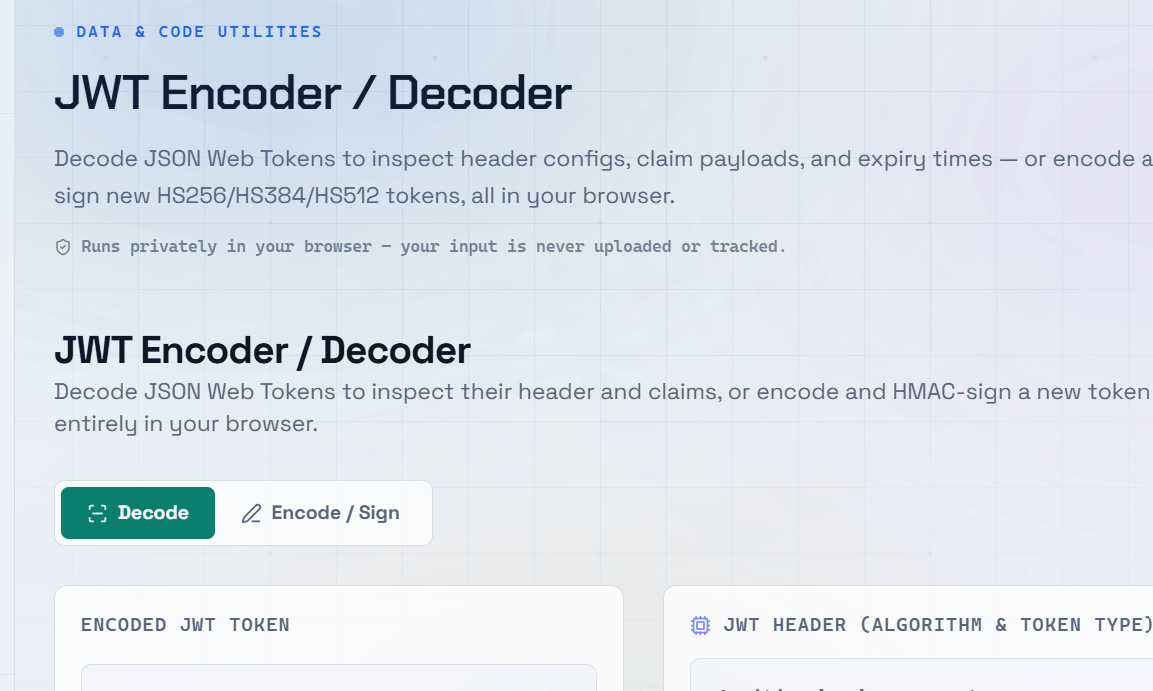
JWT tokens are everywhere in modern web development — they power authentication in single-page apps, mobile APIs, and microservices. Yet many developers treat them as black boxes. Knowing how to decode a JWT token and read its contents is an essential debugging skill that saves significant time when authentication issues arise.
What Is a JWT Token?
JWT stands for JSON Web Token. It is an open standard (RFC 7519) for securely transmitting information between parties as a compact, URL-safe string. A JWT token is self-contained — it carries all the information needed to verify the user’s identity without querying a database on every request. JWT tokens are widely used for authentication and authorization in modern APIs.
The Three Parts of a JWT Token
Header — Specifies the token type (JWT) and the signing algorithm used (e.g., HS256, RS256).
Payload — Contains the claims: data about the user and metadata like expiry time (exp), issued-at time (iat), and subject (sub).
Signature — A cryptographic signature created using the header, payload, and a secret key — used to verify the token has not been tampered with.
How to Decode a JWT Token
Decoding a JWT token reveals the contents of the header and payload. Since these sections are Base64URL encoded (not encrypted), you can decode them without knowing the secret key. A JWT decoder does this instantly — you paste the token and see the human-readable JSON inside.
Security Note: Decoding a JWT only reads the payload — it does not verify the signature. To verify a token’s authenticity, you need the secret key or public certificate used to sign it.
Common JWT Claims You Will See
- sub — Subject: typically the user ID.
- iat — Issued at: Unix timestamp of when the token was created.
- exp — Expiration: Unix timestamp after which the token is invalid.
- aud — Audience: the intended recipient of the token.
- iss — Issuer: the service that created the token.
- roles / permissions — Custom claims added by your application for authorization.
Debugging Authentication With a JWT Decoder
When authentication breaks in your application, a JWT decoder is your first debugging tool. Common issues you can diagnose by inspecting the decoded JWT token include:
- An expired token where the
exptimestamp is in the past. - Wrong audience where the
audfield does not match what your API expects. - Missing claims where a required role or permission is absent from the payload.
- Clock skew where the
iattime differs significantly from the server time.
JWT Security Best Practices
- Never store sensitive data (passwords, credit card numbers) in the JWT payload.
- Always use HTTPS to prevent token interception in transit.
- Set short expiry times (15–60 minutes) for access tokens.
- Use refresh tokens to issue new access tokens without re-authenticating.
- Validate the signature on every request — never trust a token’s claims without verification.
Frequently Asked Questions
Q: Is it safe to decode a JWT token online?
A: Decoding the header and payload is safe since that data is only Base64URL encoded, not secret. However, avoid pasting production tokens containing real user data into public tools. Use test tokens or anonymized examples when debugging with online decoders.
Q: Can someone modify a JWT token?
A: Anyone can decode and read a JWT payload, but modifying it invalidates the signature. When your server verifies the token, it recomputes the signature and rejects any token where the payload has been altered. This is the core security property of JWTs.
Q: What is the difference between HS256 and RS256?
A: HS256 uses a shared secret key for both signing and verification — suitable for single-service authentication. RS256 uses a private key to sign and a public key to verify — better for distributed systems where multiple services need to verify tokens without sharing the signing key.
Q: Why is my JWT token showing as expired?
A: The exp claim in the payload contains a Unix timestamp. If the current time is past that value, the token is expired. Check the exp value in a JWT decoder, convert it from a Unix timestamp to a readable date, and compare it against the current time.
Q: Should I store JWT tokens in localStorage or cookies?
A: Cookies with HttpOnly and Secure flags are generally safer than localStorage because they are not accessible to JavaScript, protecting against XSS attacks. However, cookies require CSRF protection. The best choice depends on your threat model and application architecture.