

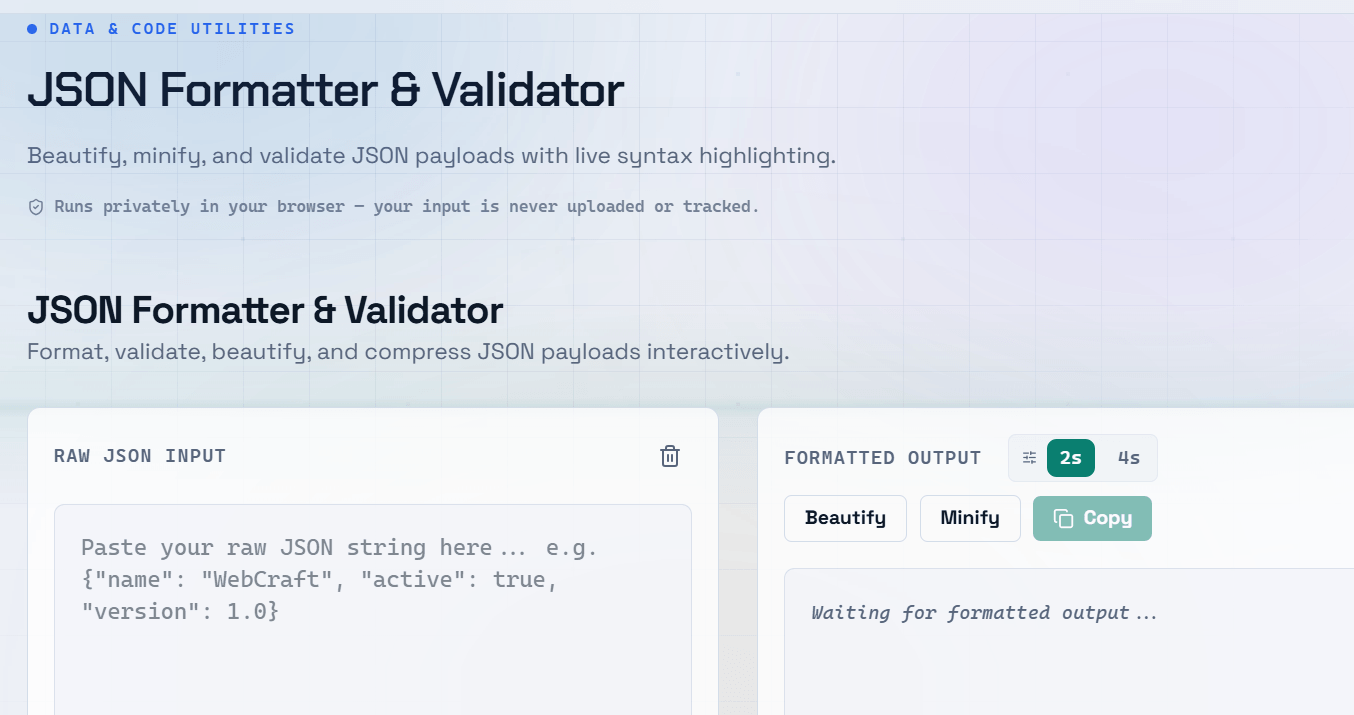
Working with raw JSON can be frustrating. A single missing comma or misplaced bracket breaks everything, and when the data is minified into one long line, debugging becomes a real challenge. A JSON formatter online solves this instantly â but understanding JSON structure helps you write cleaner code from the start.
What Is JSON and Why Does Formatting Matter?
JSON (JavaScript Object Notation) is the standard format for exchanging data between servers and clients. It is lightweight, human-readable, and supported by virtually every programming language.
Minified JSON â stripped of all whitespace â is nearly impossible to read at a glance. A JSON beautifier adds indentation and line breaks, turning a wall of text into a structured, scannable document.
Common JSON Syntax Errors and How to Fix Them
- **Trailing commas** â JSON does not allow a comma after the last item in an object or array
- **Single quotes** â JSON requires double quotes for all keys and string values
- **Unquoted keys** â Unlike JavaScript objects, JSON keys must always be in double quotes
- **Comments** â JSON does not support comments; they will throw a parse error
- **Incorrect nesting** â Mismatched brackets or braces break the entire structure
A JSON validator catches these errors instantly and often highlights the exact line where the problem occurs, saving you minutes of manual searching through a JSON formatter online.
How to Format JSON Online â Step by Step
- Paste your raw or minified JSON into the input area
- Click Format or Beautify â the tool adds proper indentation and line breaks
- If there is a syntax error, the validator highlights the problem and shows the line number
- Fix the error, re-format, and copy the clean output
- Optionally use the Minify option to compress it back for production use
Pretty Print JSON vs Minified JSON
Pretty printed JSON is indented and human-readable â ideal for development, documentation, and debugging. Minified JSON strips all unnecessary whitespace to reduce payload size â ideal for production APIs where every byte counts. Most JSON formatters let you toggle between the two with a single click.
Pro Tip: Always work with pretty-printed JSON during development. Minify only when deploying to production to keep your codebase readable and maintainable.
Validating JSON Before Sending to an API
Sending invalid JSON to an API results in a 400 Bad Request error that can be hard to trace. Always validate your JSON payload before making the call.
A JSON validator checks both syntax correctness and structure, ensuring your data will be parsed successfully on the other end. For complex schemas, you can go further with JSON Schema validation, which checks that required fields are present and data types match expectations.
Frequently Asked Questions
Q: What is the difference between a JSON formatter and a JSON validator?
A: A JSON formatter reformats your JSON with proper indentation and spacing for readability. A JSON validator checks whether your JSON is syntactically correct and will parse without errors. Most online tools combine both functions in one interface.
Q: Why does my JSON keep throwing a parse error?
A: The most common causes are trailing commas after the last object property, single quotes instead of double quotes, unquoted keys, or mismatched brackets. Paste your JSON into a validator â it will highlight the exact line causing the issue.
Q: Can I format large JSON files online?
A: Most online JSON formatters handle reasonably large files well, but very large files (several MB) may slow down browser-based tools. For very large datasets, consider using a command-line tool like jq or a code editor extension instead.
Q: Is it safe to paste my JSON data into an online formatter?
A: For non-sensitive data, online formatters are fine. If your JSON contains API keys, passwords, or personal user data, use a local tool like a VS Code extension or jq in your terminal to keep the data off third-party servers.
Q: What is JSON minification and when should I use it?
A: Minification removes all unnecessary whitespace from JSON to reduce its size. Use it for production API responses and config files delivered over the network where smaller payloads improve performance. Always keep a readable version in your source code.