

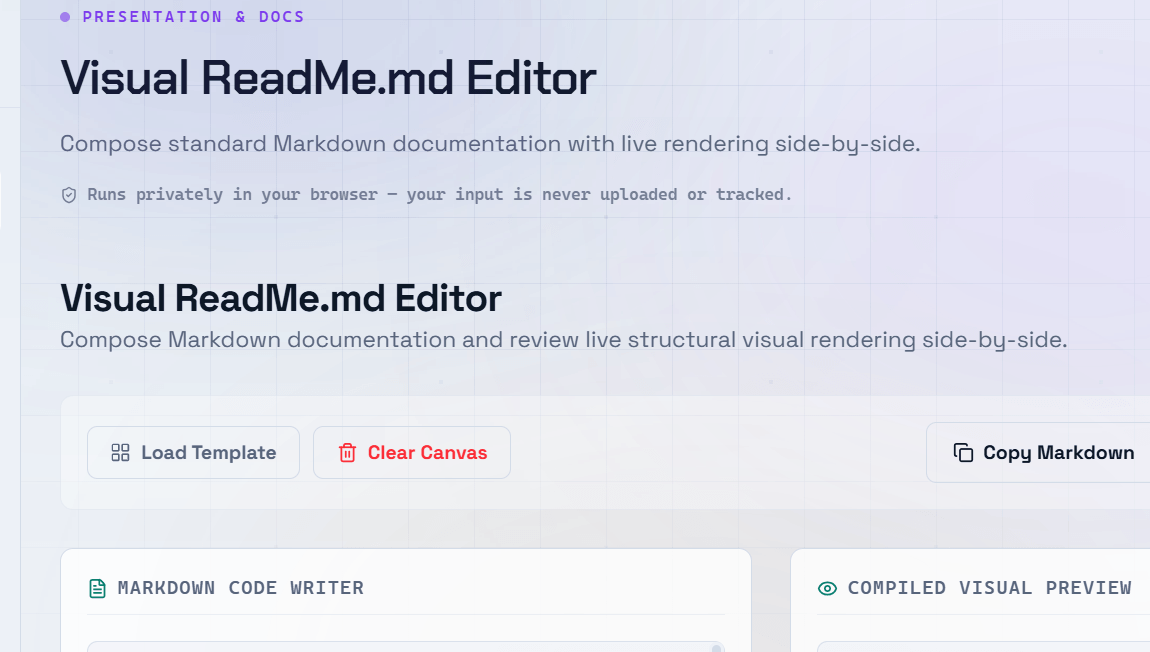
Your GitHub README is the front door of your project. It is the first thing developers, potential contributors, and employers see. A well-crafted README explains what your project does, how to use it, and why someone should care. Using a README editor online makes writing and previewing Markdown fast and intuitive — you can see exactly how your formatted README will appear on GitHub as you type.
Why Your GitHub README Matters
A GitHub README is more than just documentation — it is your project’s introduction and pitch.
A well-written README helps you:
- Build trust with developers.
- Encourage contributors to submit pull requests.
- Improve project adoption.
- Showcase professionalism to recruiters and employers.
- Make your open-source project easier to understand and use.
Essential Sections Every README Should Have
- Project Name & Description — Briefly explain what the project does and who it is for.
- Badges — Display build status, version, license, test coverage, and other project metrics.
- Installation Instructions — Provide step-by-step commands to install and run the project.
- Usage Examples — Include practical code snippets demonstrating common use cases.
- Configuration — Document important configuration options, environment variables, and default values.
- Contributing Guide — Explain how to report issues, submit pull requests, and follow coding standards.
- License — Specify the project’s license so users understand how they can use and distribute your code.
Using Markdown Effectively in Your README
Follow these Markdown best practices:
- Use
#(H1) for the project title. - Use
##(H2) for major sections. - Wrap all code examples in fenced code blocks with the correct language identifier (for example,
bash,javascript, orpython). - Use tables to organize configuration options, feature comparisons, or reference information.
- Add a Table of Contents for READMEs longer than approximately 300 lines.
- Use relative links when referencing files within the same GitHub repository.
GitHub Profile README — Stand Out as a Developer
GitHub allows you to create a special Profile README that appears at the top of your public profile.
A great GitHub Profile README typically includes:
- A short personal introduction.
- Technology stack icons.
- GitHub statistics widgets.
- Featured projects.
- Links to your portfolio, website, or blog.
- Social media and contact information.
Using a Markdown README generator makes creating and previewing your profile README much easier.
Tip: Keep your README up to date. Outdated installation instructions, broken links, or references to deprecated dependencies can reduce trust in your project and discourage contributors.
Frequently Asked Questions
Q: How long should a GitHub README be?
A: There is no fixed length. A README should be long enough to explain your project clearly without unnecessary detail. Small utilities may only need a few sections, while large frameworks or libraries often require extensive documentation with examples.
Q: What are README badges, and how do I add them?
A: README badges are small visual indicators that display information such as build status, code coverage, package version, downloads, or license details. Services like Shields.io generate badge URLs that you can embed in your README using standard Markdown image syntax.
Q: Should I write my README before or after coding?
A: Many developers create a basic README before writing code because it helps define the project’s purpose, goals, and scope. As development progresses, you can expand and update the README with installation instructions, examples, and additional documentation.
Q: Can I use HTML in a GitHub README?
A: Yes. GitHub Flavored Markdown supports a subset of HTML. You can use HTML for layouts and formatting that Markdown does not support natively, such as centered content, custom image sizing, or complex tables.
Q: What is the .github directory, and how does it relate to the README?
A: The .github directory stores community and project management files such as:
CONTRIBUTING.mdCODE_OF_CONDUCT.md- Issue templates
- Pull request templates
- GitHub Actions workflows
These files complement your README by providing contributors with detailed guidance and project standards.