

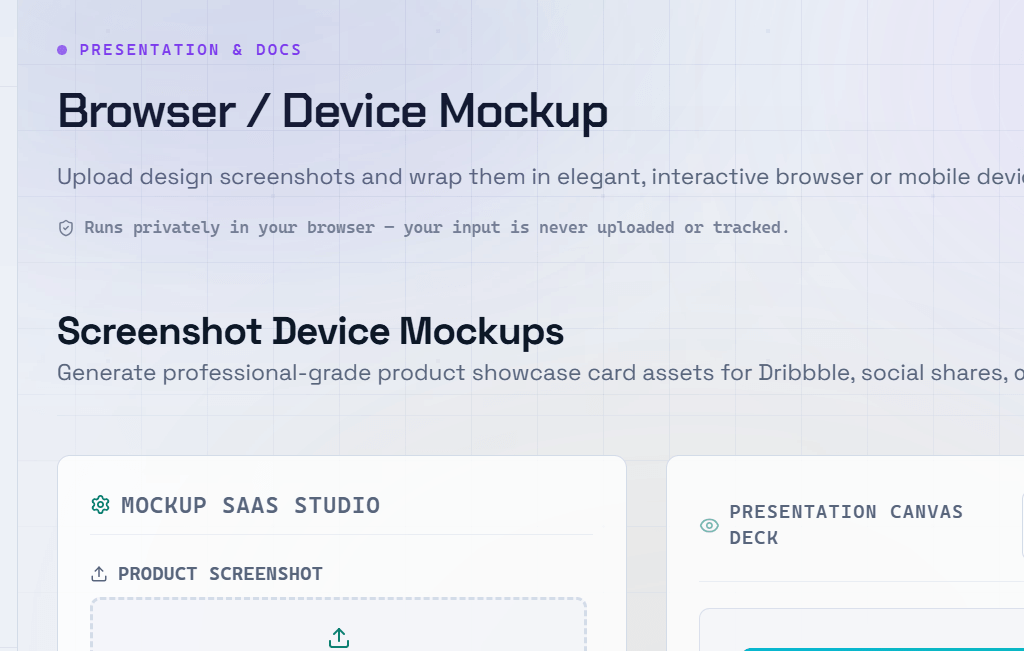
A polished device mockup can make the difference between a design presentation that impresses and one that falls flat. Showing your app or website inside a realistic phone, tablet, or browser frame instantly communicates scale, context, and professionalism. The right device mockup generator lets you create these visuals in minutes without any design software.
What Is a Device Mockup?
A device mockup is a realistic representation of a physical device — such as a smartphone, tablet, laptop, or desktop monitor — with your design displayed on the screen.
Device mockups are commonly used for:
- App Store and Google Play listings
- Pitch decks
- Portfolio presentations
- Marketing materials
- Client proposals
- Product landing pages
A professional app screenshot mockup can significantly improve click-through rates and conversion rates on app store pages.
Types of Device Mockups
- Phone Mockups — iPhone and Android device frames for showcasing mobile apps.
- Tablet Mockups — iPad and Android tablet frames for responsive app and web designs.
- Browser Mockups — Chrome, Safari, Edge, or Firefox browser window frames for websites.
- Laptop Mockups — MacBook and Windows laptop frames for dashboards, SaaS products, and web applications.
- Multi-Device Mockups — Display your design across multiple devices simultaneously to demonstrate responsive layouts.
How to Create a Device Mockup Online
- Choose the device type that matches your target platform (iPhone, Android, tablet, browser, or laptop).
- Upload your screenshot or design file.
- Adjust the position and scale of your design within the device frame.
- Select a background style — transparent, solid color, or gradient.
- Export the finished mockup as PNG or SVG for use in presentations, websites, social media, or marketing materials.
Best Practices for App Screenshot Mockups
- Use the actual device your app targets — an iPhone for iOS apps and an Android device for Google Play listings.
- Showcase your strongest screen first — the one that communicates your core value proposition immediately.
- Keep backgrounds clean and simple so the design remains the focal point.
- Match the device color to your brand identity whenever possible.
- Follow the screenshot size requirements of the App Store and Google Play precisely.
Pro Tip: For App Store or Google Play listings, create a sequence of mockups that highlight different features with short captions. Well-designed screenshots can significantly improve app install conversion rates.
Frequently Asked Questions
Q: What image format should I use for device mockups?
A: PNG is the preferred format because it supports transparency, making it easy to place the mockup on any background. SVG is ideal for scalable graphics and large-format printing. Avoid JPEG whenever possible, as compression artifacts can reduce image quality around the device edges.
Q: What resolution should my screenshot be for a mockup?
A: Always use the highest-resolution screenshot available. For iPhones, this is typically the @3x resolution. For websites, capture screenshots at 1440 pixels wide or larger. Higher-resolution images produce sharper, more professional-looking mockups.
Q: Can I create mockups for multiple devices at once?
A: Yes. Most online device mockup generators provide multi-device templates that display your design on a phone, tablet, laptop, or desktop simultaneously. These layouts are especially useful for showcasing responsive websites and cross-platform applications.
Q: Are online device mockup generators free?
A: Many online tools offer free plans with basic device frames and limited export options. Premium plans usually include additional device models, higher-resolution exports, transparent backgrounds, watermark removal, and advanced customization features. For professional work, a paid plan is often worthwhile.
Q: Can I use device mockups in my portfolio?
A: Absolutely. Presenting your projects inside realistic device mockups makes your portfolio look more polished and helps clients or employers visualize the final product. Just ensure you have permission to showcase the screenshots or designs you use.