

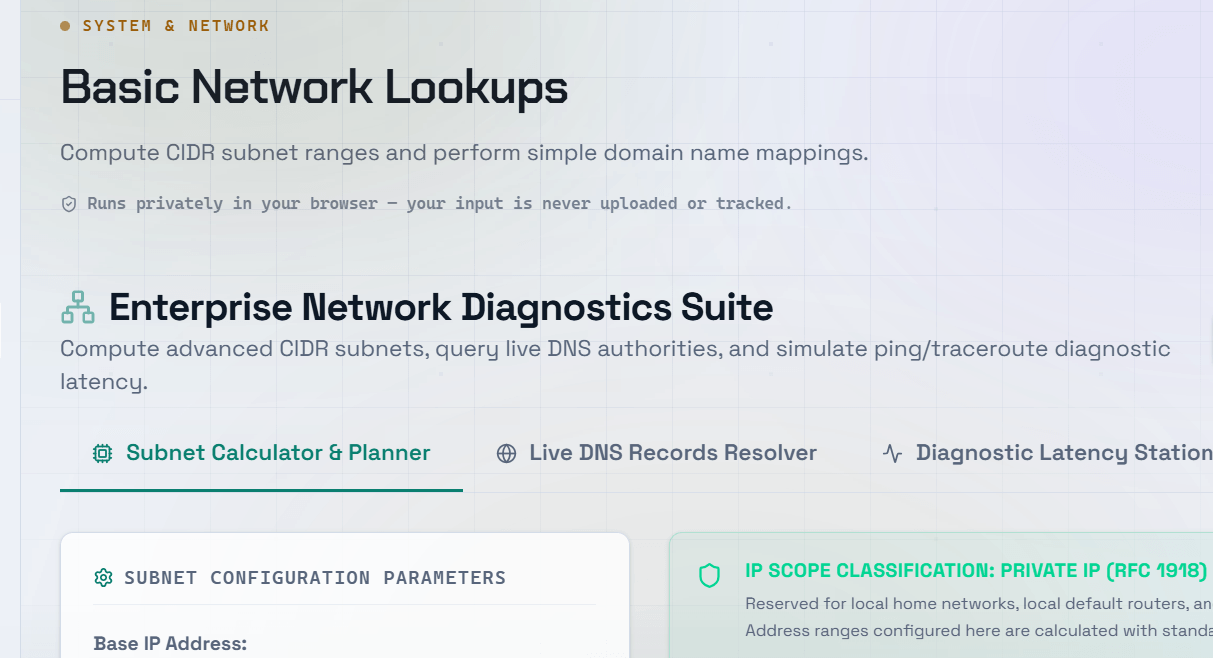
When a website is down, a domain is not resolving, or an API request is timing out, network lookup tools are your first line of investigation. Being able to quickly query DNS records, trace IP addresses, and inspect WHOIS information helps developers diagnose infrastructure issues without waiting for someone else to investigate.
What Is a DNS Lookup?
A DNS (Domain Name System) lookup translates a human-readable domain name into the IP address that computers use to connect.
A DNS lookup tool allows you to:
- Query DNS records for any domain.
- Verify DNS propagation.
- Debug website connectivity issues.
- Troubleshoot email delivery.
- Confirm that recent DNS changes have taken effect.
DNS Record Types You Need to Know
- A Record — Maps a domain name to an IPv4 address.
- AAAA Record — Maps a domain name to an IPv6 address.
- CNAME Record — Creates an alias that points one domain or subdomain to another.
- MX Record — Specifies the mail server responsible for receiving email for the domain.
- TXT Record — Stores text information used for SPF, DKIM, DMARC, domain verification, and other services.
- NS Record — Identifies the authoritative nameservers for the domain.
- TTL (Time To Live) — Determines how long DNS resolvers cache a record before requesting an updated version.
IP Lookup and WHOIS Lookup
An IP Lookup tool provides information about an IP address, including:
- Hosting provider
- Geographic location (approximate)
- Autonomous System Number (ASN)
- Network ownership
- Spam blacklist status (where supported)
A WHOIS Lookup retrieves public domain registration information, including:
- Domain registrar
- Registration date
- Expiration date
- Domain status
- Nameservers
- Registrant information (when publicly available)
Both tools are essential for troubleshooting websites, servers, and email infrastructure.
Tip: If recent DNS changes are not visible, check the TTL value of the previous records. DNS changes may take anywhere from a few minutes to 48 hours to propagate globally, depending on the cached TTL.
Using a Network Lookup Tool for Troubleshooting
Use DNS and network lookup tools to:
- Verify that an A Record points to the correct server after a migration.
- Check MX Records when email delivery fails.
- Confirm TXT Records for SPF, DKIM, or DMARC email authentication.
- Perform a Reverse DNS (PTR) Lookup to verify that a server’s IP resolves to the expected hostname.
- Check WHOIS information to identify expired domains or registrar issues.
Frequently Asked Questions
Q: How long does DNS propagation take?
A: DNS propagation typically takes anywhere from a few minutes to 48 hours, depending on the TTL (Time To Live) of the DNS records.
For example:
- 300 seconds (5 minutes) — Fast propagation.
- 3600 seconds (1 hour) — Moderate propagation.
- 86400 seconds (24 hours) — Slower propagation.
Lowering the TTL before planned DNS changes can significantly reduce propagation time.
Q: What is the difference between a forward DNS lookup and a reverse DNS lookup?
A: A forward DNS lookup converts a domain name into an IP address.
A reverse DNS lookup (PTR record) converts an IP address back into a domain name.
Reverse DNS is commonly used by email servers to verify that the sending server is legitimate.
Q: Why do different DNS servers return different results?
A: DNS resolvers cache records based on their TTL values. During DNS propagation, some DNS servers may still return cached (older) records while others have already updated to the new values. This behavior is normal and resolves automatically once cached records expire.
Q: How can I check whether my domain or IP address is on an email blacklist?
A: Use a DNSBL (DNS-based Blackhole List) checker or an MX lookup tool that includes blacklist verification.
Common email blacklists include:
- Spamhaus
- Barracuda
- SORBS
If your IP address is listed, resolve the underlying issue before requesting removal from the blacklist.
Q: What is an MX Record, and why is it important?
A: An MX (Mail Exchanger) Record tells the internet which mail server is responsible for receiving email for your domain.
If your MX records are missing or incorrectly configured:
- Incoming emails may fail.
- Messages may bounce.
- Your domain may become unable to receive email.
When troubleshooting email delivery issues, checking the MX record should always be one of the first diagnostic steps.