

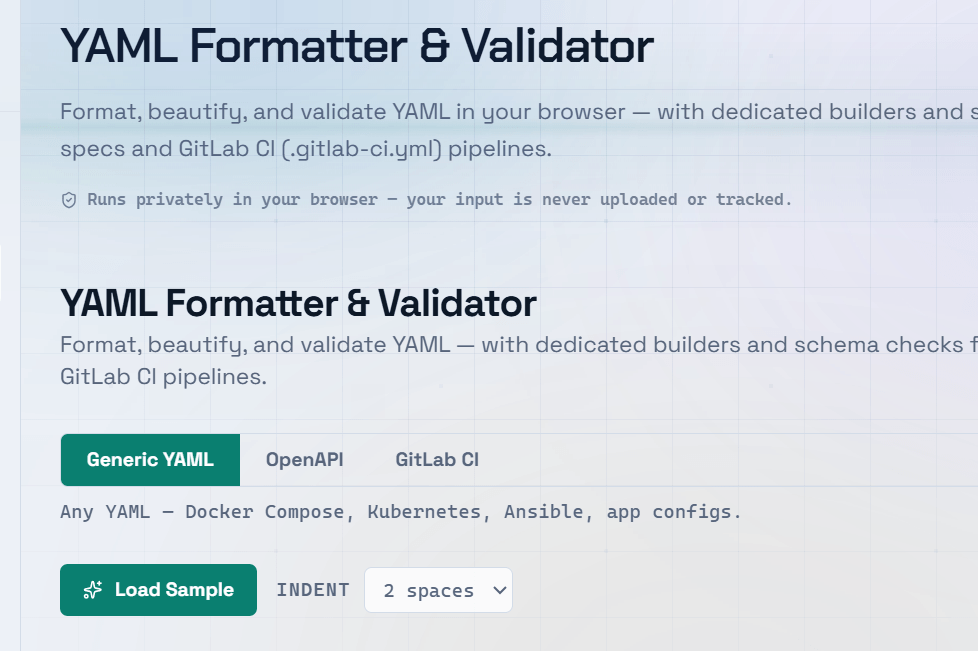
Inconsistent code formatting is a silent productivity killer. Misaligned indentation, inconsistent spacing, and cramped syntax make code harder to read, review, and debug. A code beautifier online fixes all of this instantly — and understanding why formatting matters helps you write cleaner code from the start.
Why Code Formatting Matters
- Poorly formatted code hides bugs — misaligned brackets make logic errors easy to miss.
- Code reviews are faster when formatting is consistent across the team.
- Onboarding new developers is easier when the codebase follows a predictable style.
- Version control diffs stay cleaner when formatting changes do not clutter commits.
- Many linting tools and CI/CD pipelines fail builds when formatting rules are violated.
What a Code Beautifier Does
A code beautifier takes messy, inconsistently formatted code and rewrites it with proper indentation, spacing, and line breaks — without changing what the code actually does.
Most online code beautifiers support multiple programming and markup languages, including:
- HTML
- CSS
- JavaScript
- JSON
- SQL
- XML
Simply:
- Paste your code.
- Click Format or Beautify.
- Copy the clean, properly formatted output.
HTML, CSS, and JavaScript Formatting
- HTML Beautifier — Adds consistent indentation for nested elements, making the document hierarchy easier to understand.
- CSS Formatter — Standardizes spacing between selectors, properties, and values while placing each property on its own line.
- JavaScript Beautifier — Restores indentation, spacing, and line breaks to minified or poorly formatted JavaScript, making debugging much easier.
Pro Tip: Use a code beautifier before reviewing unfamiliar code. Proper formatting immediately reveals the code structure, making it easier to understand the logic before diving into implementation details.
Automating Code Formatting in Your Workflow
- Prettier — The most popular formatter for JavaScript, TypeScript, HTML, CSS, JSON, Markdown, and more. It can automatically format code on save in Visual Studio Code.
- ESLint — Detects JavaScript code quality issues while also enforcing coding style rules.
- Stylelint — Enforces consistent formatting and best practices for CSS and SCSS.
- EditorConfig — Defines shared indentation, line-ending, and whitespace rules across different editors and IDEs.
- Husky + lint-staged — Automatically runs formatters and linters before Git commits, ensuring only properly formatted code is committed.
Frequently Asked Questions
Q: Does a code beautifier change how my code runs?
A: No. A code beautifier only modifies whitespace, indentation, spacing, and line breaks — it does not change your code’s logic or functionality. The output remains functionally identical to the input.
Q: What is the difference between a code formatter and a linter?
A: A formatter focuses on code style, such as indentation, spacing, and line breaks. A linter analyzes your code for potential bugs, coding errors, style violations, and quality issues. Most development teams use both together because they complement each other.
Q: Can I beautify minified third-party code?
A: Yes. You can paste minified JavaScript, CSS, or HTML into an online code beautifier to restore readable formatting. Keep in mind that production builds often shorten variable names, so while formatting improves readability, the code may still be difficult to understand.
Q: Which indentation style should I use — tabs or spaces?
A: Consistency is more important than the specific choice. Pick one indentation style, configure it in your formatter, and enforce it using tools like EditorConfig or Prettier. Most JavaScript projects use 2 spaces, while Python requires 4 spaces.
Q: How do I format code automatically on save in Visual Studio Code?
A: Install the Prettier extension, open Settings, and enable Format on Save. You can also set Prettier as the default formatter for specific file types. Combined with an EditorConfig file, this ensures everyone on your team follows the same formatting rules automatically.